
SIM Owner Details Online Check 2026 — Complete Guide
Learn how to check SIM owner details online in Pakistan. Find name, CNIC, and address associated with any mobile number using official methods.
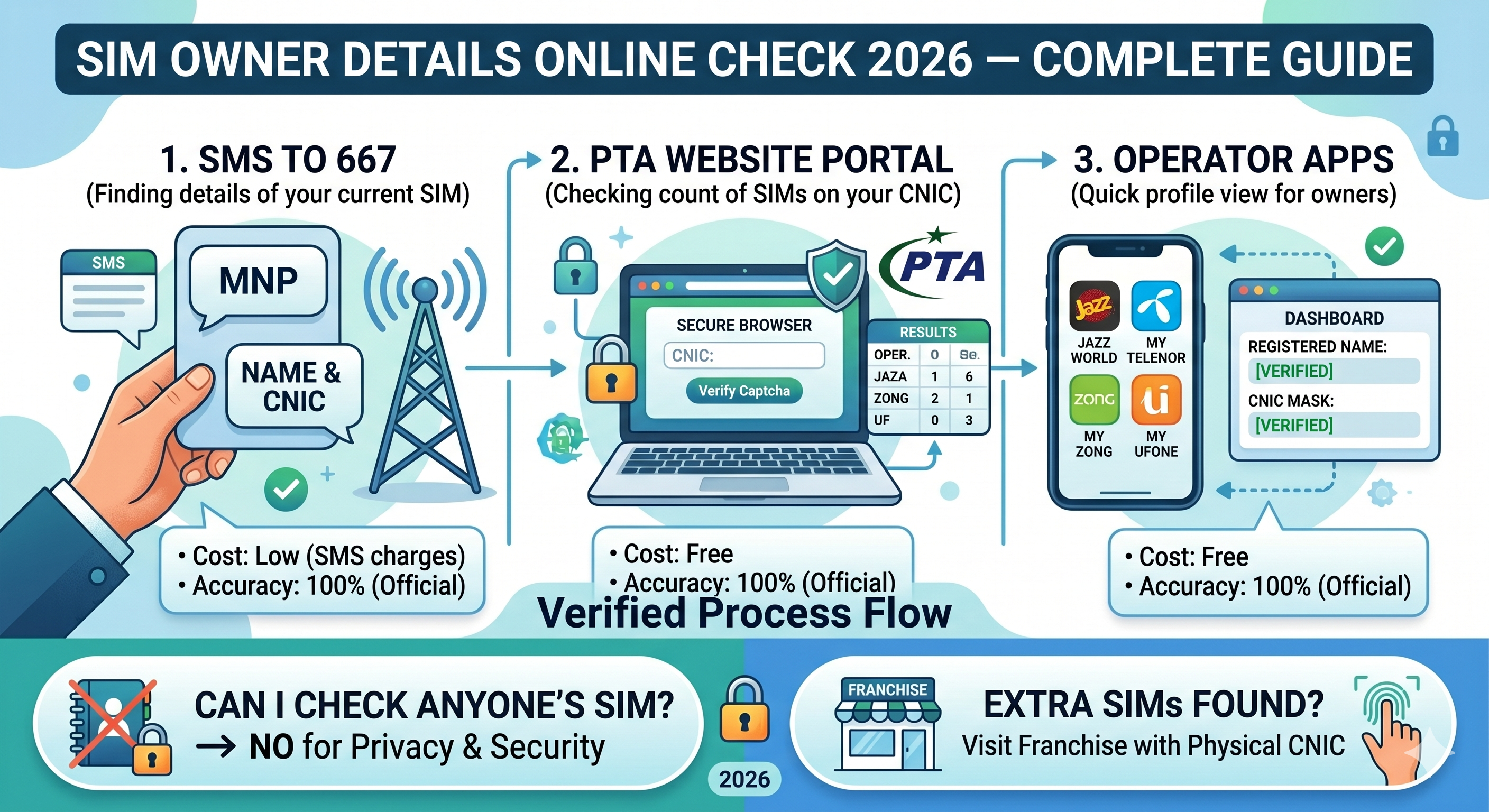
SIM Owner Details Online Check 2026 — Complete Guide
Are you receiving calls from unknown numbers? Or perhaps you need to verify the ownership of a SIM card you found? Knowing how to check SIM owner details in Pakistan is essential for security and peace of mind. In this comprehensive guide, we will explore all the working methods to find SIM information in 2026.
Why Check SIM Owner Details?
In Pakistan, illegal SIM usage has been a concern. Spammers, telemarketers, and fraudsters often use unregistered or falsely registered SIMs. By checking the details of a number, you can:
- Identify unknown callers.
- Verify if a SIM is registered in your name.
- Report spam or fraudulent numbers to the PTA.
Method 1: Using SIM Information System via SMS (667)
The most reliable and official way to check SIM owner details for a number you are currently using is via SMS. This service is provided by the telecom operators in collaboration with the PTA.
How to use 667:
- Open your messaging app on the mobile phone containing the SIM.
- Create a new message and type MNP or leave it blank.
- Send it to 667.
- You will receive a reply with:
- Owner Name
- CNIC Number
- IMSI/ICCID (SIM identifiers)
Note: This method only works for the SIM card currently inserted in your phone. It costs a few rupees per SMS.
Method 2: Online Check via PTA Website
If you want to check how many SIMs are registered on your CNIC, the PTA provides a dedicated portal. This is crucial for checking sim ownership.
Steps to check online:
- Visit the official PTA SIM Information portal (usually 'cnic.sims.pk').
- Enter your CNIC number without any dashes or spaces.
- Verify the captcha.
- Click submit.
- You will see a table showing the number of active SIMs you have on each network (Jazz, Telenor, Zong, Ufone).
Method 3: Mobile Operator Apps
Modern telecom apps provide a wealth of sim data information. If you are the owner, you can easily view your details in the app.
- Jazz World App: Shows the registered name and CNIC mask on the dashboard.
- My Telenor App: Provides ownership details in the profile section.
- My Zong App: Displays user information clearly.
Summary of Methods
| Method | Best For | Cost | Accuracy |
|---|---|---|---|
| SMS 667 | Finding details of the current SIM | Low (SMS charges) | 100% (Official) |
| PTA Website | Checking count of SIMs on CNIC | Free | 100% (Official) |
| Operator Apps | Quick profile view for owners | Free | 100% (Official) |
Frequently Asked Questions
Can I check SIM owner details of any number online?
No. For privacy and security reasons, telecom operators and the PTA do not allow the public to search for anyone's details by number online. Beware of websites claiming to offer live tracker sim data as they are often scams or use old, leaked databases.
What should I do if I find extra SIMs on my CNIC?
If the PTA website shows more SIMs than you actually own, you should visit the nearest franchise of that operator with your original CNIC to block the unauthorized SIMs.
External Resources
For more detailed legal guides on telecommunications and digital rights in Pakistan, you can visit Redeemers Law, a trusted source for legal information.
Keywords Targeted:
- sim owner details
- mobile number details
- sim information
- sim data information